Clinical workflow
7 min read
Share:
Digital impressions vs traditional impressions: what changes in daily workflow
If you switch to intraoral scanning and expect “everything gets faster,” you’ll be disappointed.
The real shift is different: the mess moves. Traditional impressions concentrate pain into a few obvious moments (tray selection, set time, pull, retake). Digital impressions distribute pain across many smaller decisions (isolation, capture strategy, patching, bite registration, QC, export). When the team does not standardize those decisions, scanning can feel like it adds steps instead of removing them.
When it does work, it’s not because scanning is inherently superior. It works because the workflow becomes more measurable, more correctable in real time, and less dependent on shipping and lab interpretation.
Let’s break down what actually changes in daily operations, stage by stage, the way your team will experience it.
The biggest difference in one sentence
Traditional impressions hide errors until the lab calls you. Digital impressions surface errors while the patient is still in the chair.
That single fact affects everything else: scheduling, assistant training, remakes, lab relationships, even how dentists “feel” during a busy day.
1) Before the patient sits down
Traditional: preparation is mostly physical
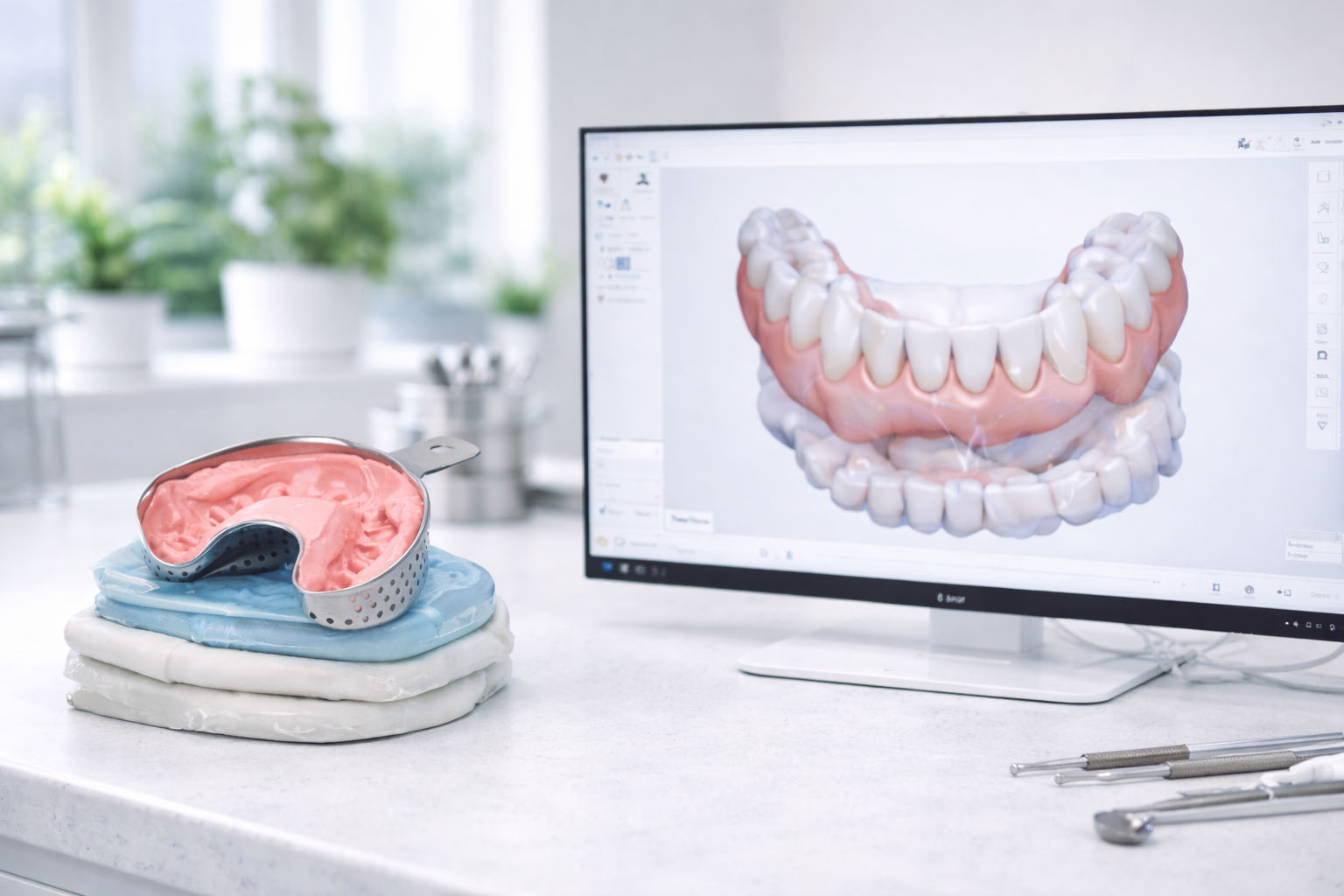
Your pre-appointment prep is about having the right trays, adhesive, VPS or alginate, mixing tips, retraction aids, disinfection, and the habit of “we’ll see if it works.”
You can be fully stocked and still walk into variability. The material does what the material does.
Digital: preparation is mostly procedural
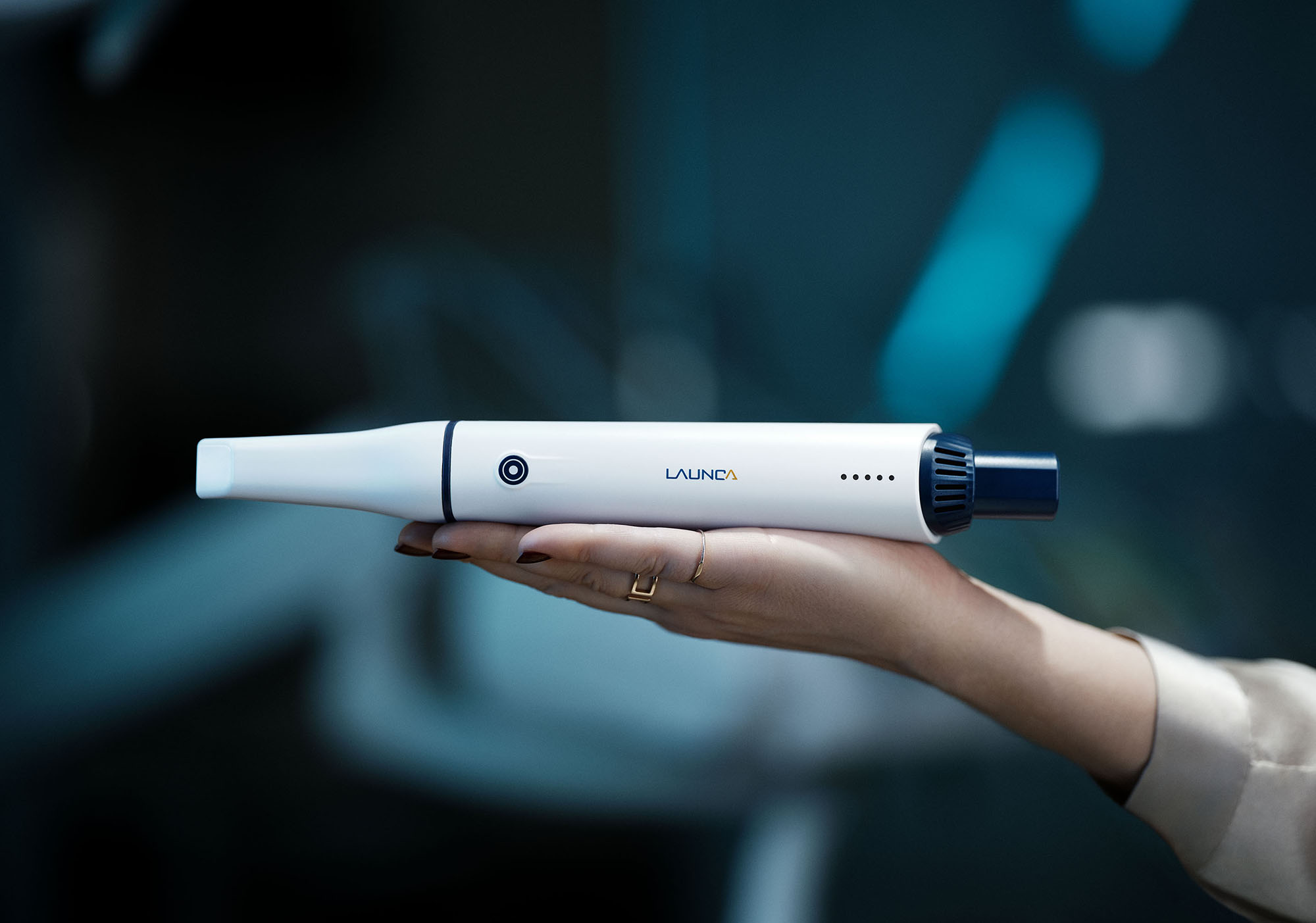
You’re prepping a system. The scanner needs to be ready, calibrated if required (some are calibration-free), tips sterilized, software open, patient record created, scan strategy clear.
The practical changes that show up in clinics:
A scanner-ready station becomes a real thing, not “grab a tray”
Tip logistics become a daily flow (sterilization cycles, spare tips, tracking wear)
Software state matters (updates, licenses, workflows, correct patient file)
Someone must own device readiness the way someone owns instrument setup
If you do not assign ownership here, scanning fails before it begins. The appointment starts with “where is the scanner” or “why is it not connected,” and you’ve already burned the time you thought scanning would save.
2) During the appointment
This is where people misread the shift.
Traditional impressions have a long “dead time” where the material sets. Digital scanning has fewer dead moments but more continuous micro-decisions.
Traditional: one high-stakes attempt
Once the tray is loaded and seated, you’re committed. If the capture is poor, you often find out only after removal. Some errors are obvious in-chair, but many are subtle and reveal themselves as distortion, tears at margins, or missing detail.
The workflow is chunky:
Select tray and check fit
Retract and dry as best as possible
Load tray, seat tray
Wait
Pull, inspect, disinfect, package, ship
If it fails, you restart the whole thing. That makes retakes psychologically expensive and time-expensive.
Digital: many low-stakes corrections
Scanning is a stream. You build the model live. You can patch missed areas without restarting. That is a gift, but it changes the behavior you need from the team.
You need your assistants and dentists to accept that:
“Good enough” is not a feeling, it’s a QC standard
Patching is normal and expected
Bite scan quality is not an afterthought
Retraction and moisture control become more visible, not less
Clinically, digital is often easier for the patient. Operationally, it requires a consistent capture plan.
A simple truth: digital scanning rewards consistency more than talent. If your team uses three different scan paths, you get three different quality profiles.
3) Where errors show up
This is where the workflow differences become expensive.
Traditional errors: delayed, opaque, and often binary
Traditional impression errors show up later, often as:
“Margins not readable”
“Distortion”
“Voids”
“Contact issues”
“Bite discrepancy”
Because they show up later, you’re stuck in the remake loop:
You call the patient back
You do another appointment
You ship again
You lose trust, time, and margin
Also, it creates a blame fog. Was it material? tray seating? patient movement? shipping distortion? lab pour issue? Everyone guesses.
Digital errors: immediate, granular, and usually fixable
Digital errors show up right away as:
holes or voids in occlusal or gingival third
smeared interproximal capture
stitch errors from scanning too fast or losing tracking
bite alignment that looks “off” relative to what you saw clinically
The upside is obvious: you can fix it right now.
The downside is also real: your team must be trained to notice what matters. A scan can “look good” and still be clinically weak in the zones that drive remakes.
If you do restorative work, you already know the high-impact zones:
margins and finish lines
gingival third detail
interproximal contact zones
distal of second molars if you need them
occlusal anatomy without “bridged” surfaces
For aligners, add:
clean anterior interproximal detail
reliable bite in MIP
full arch capture without posterior dropout
Digital makes the weak zones visible, but only if someone has a standard for what “acceptable” means.
4) Lab handoff and communication
Traditional: you send a physical artifact and hope it survives
With trays, the lab receives something physical that has already baked-in your errors. Communication tends to be reactive: the lab calls when something is wrong.
Also, you pay in logistics:
packaging
shipping time
lost impressions
temperature and time variables
Digital: you send data, then the lab sees what you see
Digital handoff is faster and usually cleaner, but you must standardize the “data hygiene.”
The practical changes that show up:
File export format matters (STL is common; some workflows prefer PLY/OBJ)
Naming conventions prevent mislabels more than any software feature
Submission notes become more important, because the lab can act on them immediately
If you want digital to reduce friction, you need a protocol for:
what gets exported
where files live
who sends them
how you confirm they were received
how you handle revisions
Clinics that struggle with scanning are often not struggling with scanning. They are struggling with file workflow ownership.
5) Remake loops and how they feel in the schedule
Remakes are the real cost center. Not the impression itself.
Traditional remakes are heavy:
new appointment
patient annoyance
chair time lost
lab time lost
shipping time multiplied
Digital remakes are lighter when your protocol is good, because many “remakes” turn into “patches.” You catch missing areas and correct them before the patient stands up.
That is the economic core of scanning: it converts late-stage remakes into same-visit QC fixes.
But again, only if you run QC systematically.
6) What your team has to standardize so scanning actually reduces work
If you do nothing else, standardize these six items. This is the difference between “we bought a scanner” and “we built a system.”
A) Scan path
Pick one default scan sequence per arch, and teach everyone the same version.
Start where tracking is stable (often posterior occlusal)
move anterior deliberately
capture lingual/palatal with controlled retraction
finish buccal
patch weak zones immediately
If you let everyone invent their own method, the scanner becomes operator-dependent, and your schedule becomes fragile.
B) Moisture and retraction roles
Define who retracts, who suctions, who drives the scanner.
Even if one person does all of it, define the behavior:
pause, dry, reorient
don’t brute-force through saliva and expect software to fix it
C) Bite registration protocol
Most clinics undertrain bite scans. Bite errors can waste more time than any missing patch.
Standardize:
patient position
verbal cue
how many bite scans and where
what “plausible alignment” looks like before you export
D) QC checklist
Make QC fast and non-negotiable. Keep it short:
no major voids in critical zones
distal and posterior coverage as needed
gingival third clarity where margins/trim lines matter
interproximal clarity in high-impact regions
bite alignment looks clinically believable
This is one of the few checklists that directly reduces remakes.
E) File naming and export process
The easiest way to create chaos is inconsistent naming.
Pick a convention that prevents duplicates and mislabels:
ClinicName PatientID Date Arch
Then define:
export format
where it is stored
how it is sent
how receipt is confirmed
F) Tip and device readiness
Scanning fails when the scanner is not “always ready.”
Decide:
where tips live
how you track sterilization cycles
who checks the scanner at start of day
who owns software updates and connectivity
7) The human side: what feels better and what feels worse
This is the part that doesn’t show up in spec sheets.
What feels better with scanning:
Less patient discomfort, less gag reflex, less mess
Fewer late surprises if QC is real
Faster lab turnaround when your submission is clean
The ability to show patients what you’re doing (huge for case acceptance)
What can feel worse if you don’t standardize:
“Micro-friction” during capture, especially when assistants are new
More cognitive load at first because the errors are visible now
More chairside responsibility instead of “send it and pray”
The clinics that succeed treat that learning period as training, not as a product defect.
8) A practical way to implement without disrupting the whole clinic
If you’re transitioning, don’t try to flip every procedure overnight. Pick one category where scanning pays off quickly.
Common “easy wins”:
single unit crowns
simple bridges
aligner records
retainers and nightguards
Then measure:
remake rate
record resubmissions
appointment overrun time
Digital adoption becomes smooth when you run it like a process improvement project, not a gadget purchase.
Closing thought
Digital impressions do not automatically save time. They change where time is spent.
With trays, you pay later. With scanning, you pay now.
If you standardize scan path, bite capture, QC, and file handoff, you convert “later” time into “now” fixes, and your remake loop collapses. That’s when scanning stops feeling like extra steps and starts feeling like control.
RECOMMENDATIONS