Implant dentistry
6 min read
Share:
Implant workflows are where intraoral scanning stops being “nice to have” and becomes brutally diagnostic.
On crowns and bridges, a mediocre scan can still limp through if the prep is clean and the lab is forgiving. On implants, weak technique shows up fast: scan body rotation errors, soft tissue distortion, bite noise, and “looks fine on screen” files that turn into misfit frameworks. The good news is that once your team is disciplined, digital can reduce surprises late in the chain, tighten turnarounds, and improve predictability.
This is a practical walkthrough. Not theory. The goal is simple: deliver a scan that the lab can trust without follow up calls.
Why implants benefit disproportionately from scanning
Implants are a geometry problem with soft tissue on top.
The scanner helps because you get:
Immediate visual verification of scan body capture and tissue contours
A repeatable record you can reference for second stage, provisional changes, and finals
Faster feedback loops with your lab when something is off (and you can correct it before the patient leaves)
But scanning only helps if you treat it like a protocol. Otherwise you just trade impression errors for scanning errors.
The mindset shift: you are capturing three things, not one
For implants, think in three layers:
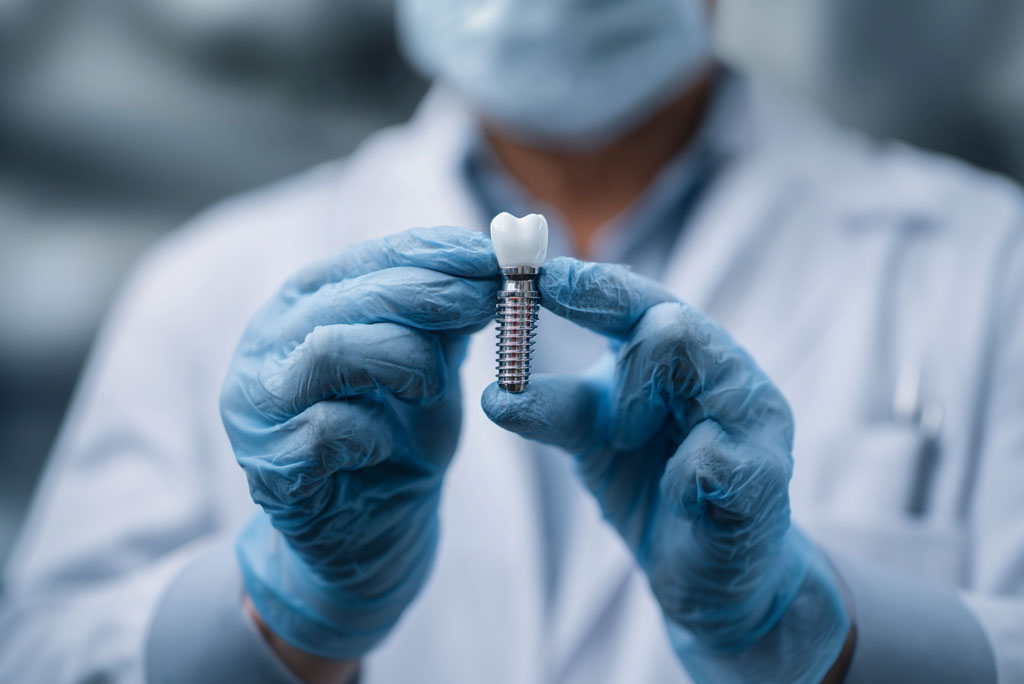
The implant position (scan body geometry and orientation)
The tissue (emergence profile, papillae, collar contour, movable mucosa)
The bite (stable occlusal relationship, minimal noise, repeatable closure)
Most remakes come from ignoring one layer while focusing on another.
Step 0: Pre scan checklist (this prevents 80% of “mystery issues”)
Before you even start scanning, confirm:
The correct scan body for the implant system and platform
Scan body is fully seated and torqued to spec
The scan body is clean and dry (blood and saliva destroy capture)
Soft tissue is stable enough to record (you may need to pause and manage bleeding)
You already know what you are sending: implant crown, bridge, bar, hybrid, provisional, etc.
If the scan body is not seated, nothing downstream matters. Make “seated and confirmed” a non negotiable step.
Step 1: Capture strategy for scan bodies
Scan bodies are not “just another surface.” They are your reference geometry.
Common early mistake is scanning the whole arch first, then “wandering” back to the scan body. That increases the chance of tracking drift and partial capture right where you cannot afford it.
A better sequence:
Establish tracking with stable landmarks near the implant site
Capture the scan body intentionally, with multiple angles
Expand to adjacent teeth and the arch
Return to the scan body for verification and cleanup if needed
Technique notes
Move slower than you think you need to around the scan body.
Keep your distance consistent. Too close causes lost tracking. Too far causes noise.
Do not accept a scan body that looks “kind of complete.” You want crisp edges and a clean surface.
If your software supports it, use any scan body verification tools. If it doesn’t, your verification is visual: crisp geometry, no “melted” edges, no missing flats.
Step 2: Soft tissue capture that actually helps the lab
Implant success is often an emergence profile story. If you capture tissue poorly, the lab guesses. Guessing creates chairside adjustments, pressure points, and aesthetic compromises.
What the lab needs depends on the restoration type, but generally you want:
Clean capture of the tissue collar around the implant site
Adjacent gingival margins and papillae
Enough surrounding anatomy to design contacts and contour correctly
Practical tissue tips
Dry field and retraction matter more than on tooth borne restorations.
If tissue is mobile, capture it in a stable state. Gentle retraction, then scan.
If you are scanning right after uncovering, bleeding will corrupt the scan. Take the time to stabilize.
Sometimes the most “efficient” move is to slow down for 60 seconds and get a stable field. That saves 30 minutes later.
Step 3: Adjacent teeth and contacts
Even with implant crowns, the design is constrained by neighbors. Labs need clean contacts and occlusal surfaces to avoid high points and open contacts.
In your scan, prioritize:
Adjacent proximal surfaces
Occlusal anatomy on opposing teeth near the implant site
Enough of the arch that the lab can orient the case confidently
You do not always need a full arch for every case, but you do need enough context to avoid design ambiguity.
Step 4: Bite capture without noise
Implant scans often fail quietly at the bite step. You can have a perfect scan body capture, then ruin the case with a distorted bite.
Rules that help:
Capture the bite in a stable, repeatable closure. No sliding, no “feels like it.”
Keep the bite capture small and focused near the restoration zone.
If the patient has unstable occlusion, capture multiple bite records and compare.
If you see occlusal collisions or odd spacing on the articulated view, do not “hope the lab will fix it.” Fix it now.
Step 5: Verification before export (the 2 minute save)
This is where mature teams win. Before you export, do a quick verification pass:
Scan body: crisp, complete, no warped surfaces, clearly differentiated from tissue
Tissue collar: captured without holes, especially around the implant site
Contacts: adjacent proximal surfaces visible
Opposing: enough opposing anatomy near the site
Bite: looks plausible, no weird separation or collisions
If something is off, patch it while the patient is still in the chair. Digital’s advantage is that you can correct immediately.
Step 6: Lab handoff that reduces back and forth
A clean scan can still create problems if the lab does not know what you intended.
Include a short “lab note” every time. Make it templated so your team actually uses it.
Minimum useful details:
Implant system, site, and platform details if relevant
Scan body type used
Restoration type (screw retained vs cement retained, emergence preference, etc.)
Occlusion notes (if the bite is tricky, tell them)
Aesthetic notes and shade info if applicable
Any special constraints: limited inter occlusal space, adjacent implant, tissue concerns
The lab does not want a paragraph. They want certainty.
The most common implant scanning mistakes and how to avoid them
1) Scan body not seated
Fix: confirm seating physically and visually. Do not scan until confirmed.
2) Dirty or wet scan body
Fix: dry field, clean surface, control bleeding.
3) Incomplete scan body geometry
Fix: slow down, add angles, verify edges, rescan early.
4) Capturing tissue in an unstable state
Fix: stabilize tissue first. Gentle retraction, dry field, then capture.
5) Bite contamination
Fix: focused bite capture near the site, repeat if unstable, verify articulation.
Where digital really improves outcomes
The real value is not that scanning is “faster.” It is that scanning is auditable.
You can:
verify capture quality in real time
standardize what “good” looks like across your team
shorten remake loops by catching errors chairside
communicate more precisely with your lab
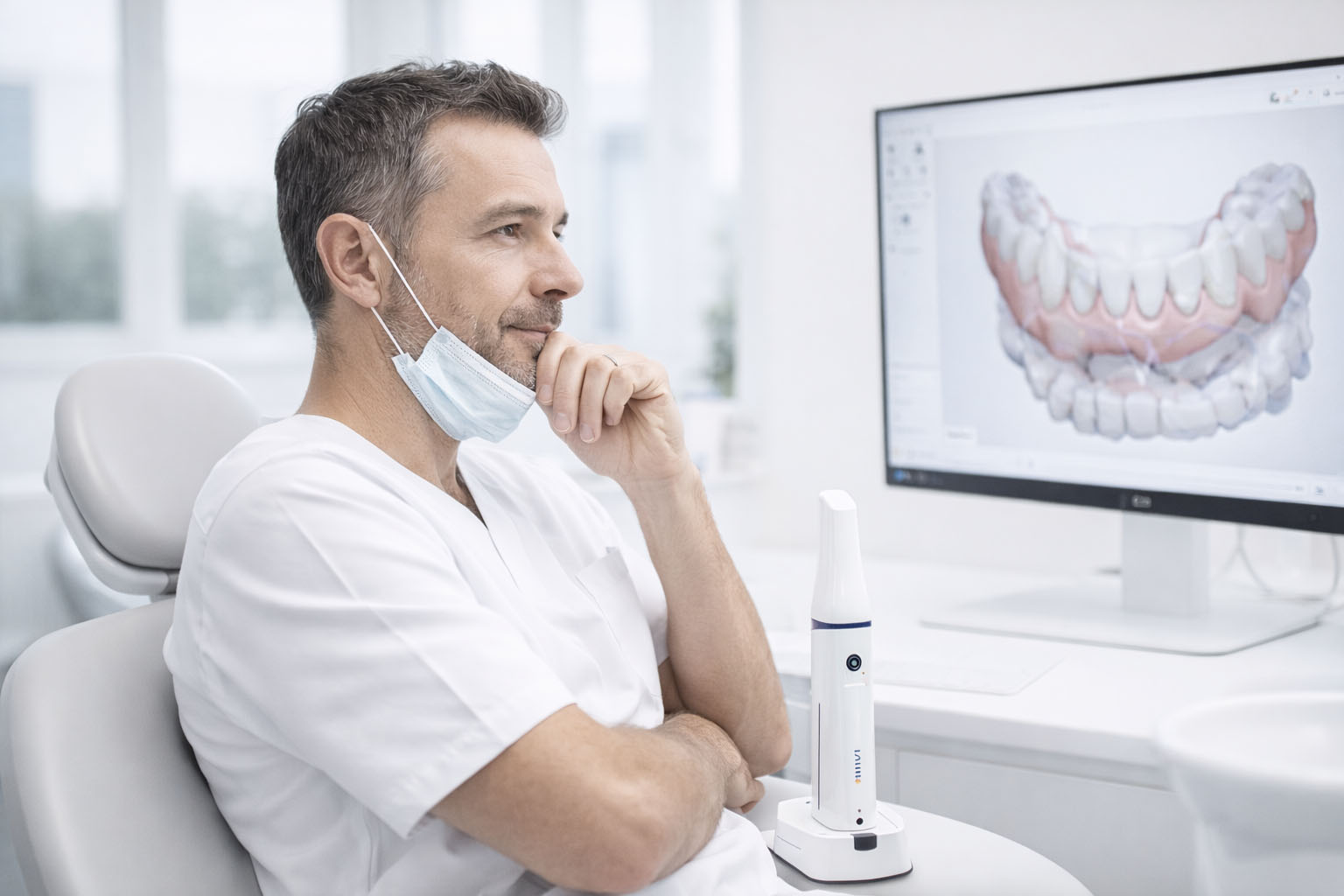
If you are building a digital implant workflow around systems like Launca DL 300 Wireless, the target is repeatability: predictable scan body capture, consistent tissue records, and a bite that does not surprise anyone.
Do that, and implants become less about heroics and more about process. That is when your remakes drop and your confidence goes up.
RECOMMENDATIONS