Orthodontics
6 min read
Share:
How scans support aligner workflows from consult to delivery
Most aligner “problems” are record problems in disguise. The planning software gets blamed because it is the visible layer, but the root cause is usually upstream: incomplete capture, inconsistent bite records, sloppy soft tissue control, or a team process that treats scanning like a quick administrative task.
If you want fewer refinements, fewer mid-course surprises, and fewer “this set just doesn’t track” conversations, you do not need a fancier aligner system. You need a predictable scanning protocol and a repeatable handoff from consult to delivery.
Here’s how to think about scanning across the full aligner lifecycle, and what to standardize so the workflow stays smooth.
What scanning replaces, and what it doesn’t
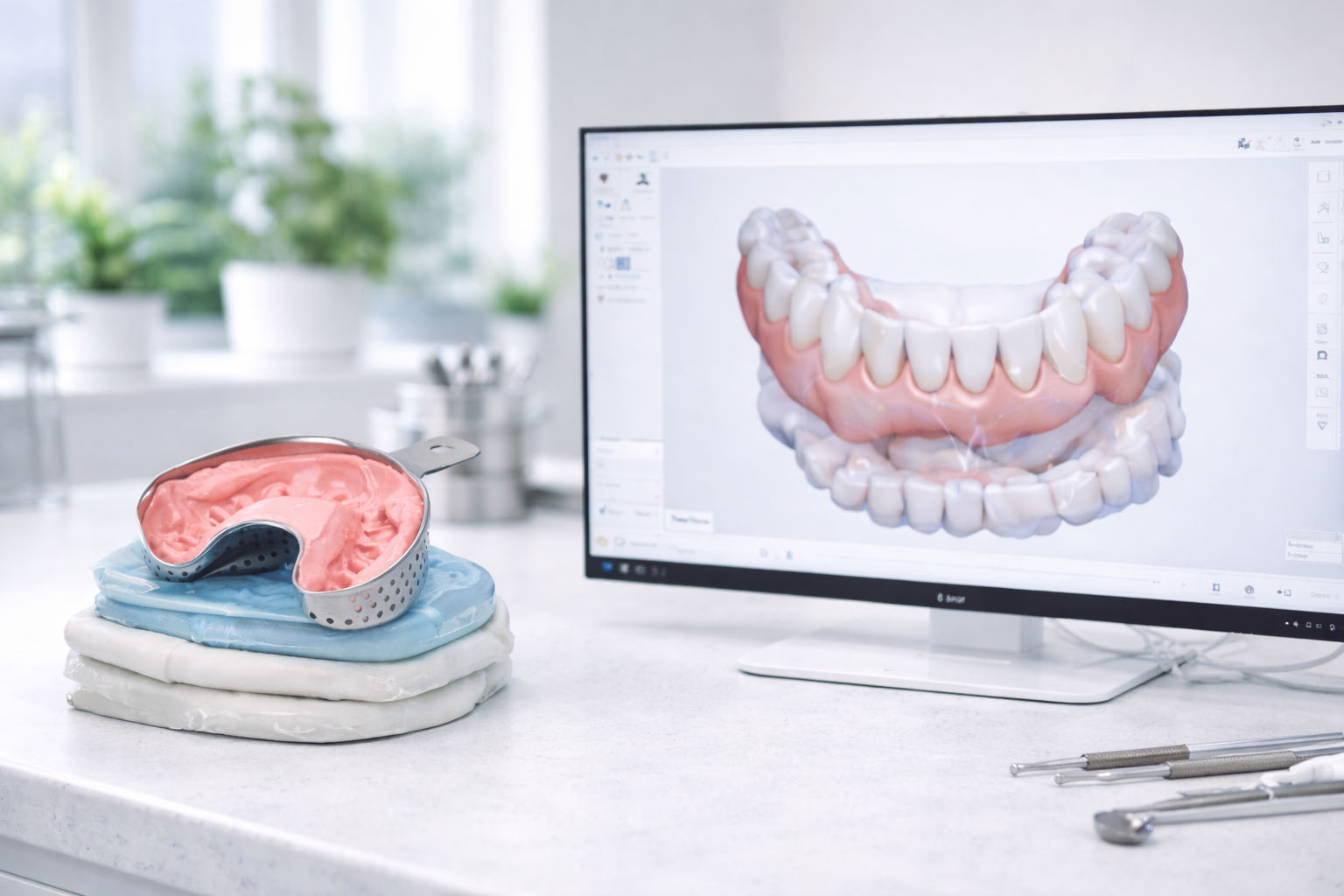
Scanning replaces physical impression risk: tray selection issues, distortion, bubbles, shipping delays, and the awkward gap between “we took an impression” and “the lab sees what the lab sees.”
It does not replace clinical judgement or the rest of the record set. You still need proper photos, a bite strategy you trust, and a team that can manage moisture and retraction. Digital impressions are not magic. They are simply a faster way to get a model, and they amplify both good and bad habits.
If your staff understand that, you are already ahead of most clinics adopting intraoral scanning for aligners.
Stage 1: Initial consult and records (where outcomes are decided)
A clean initial scan is not about speed. It is about making the planning step boring. When the scan is reliable, the plan is less “interpretation” and more “execution.”
What the aligner record set should accomplish:
give the planner an accurate representation of clinical crown and gingival third
provide trustworthy interproximal anatomy so staging and IPR decisions are not guesswork
lock in an occlusion record that matches reality, not a patient’s momentary posture
If you want to standardize the record set across your team, treat it like a checklist, not a vibe. You can keep it simple:
Upper full arch scan
Lower full arch scan
Bite scan in MIP
Intraoral photos (at least retractors and occlusals)
Notes on restorations, missing teeth, existing fixed retainers, and any planned extractions or IPR preferences
That last bullet looks “administrative” until you see how often attachments, staging, and refinements trace back to basic case context that never made it into the submission.
Scan quality targets that matter specifically for aligners
Restorative scanning failures are often obvious. Aligner failures can be subtle and show up later as tracking drift. The targets I care about for aligners are:
Full capture of distal surfaces and occlusals posteriorly, especially 7s
Clean interproximal capture anteriorly so contacts are not smeared or “bridged”
Gingival third detail where aligner trim lines and attachments become relevant
No large voids or holes that force the lab to reconstruct anatomy
The “predictability” claim of scanning is real, but only when your capture quality is repeatable. If your clinic’s scan quality varies by operator, you will still live in refinement land. You’ll just get there faster.
A scan sequence that keeps quality consistent
You do not need a fancy technique. You need a consistent one. The best protocols are boring enough that anyone trained can execute them under pressure.
A simple sequence that tends to work well:
Start posterior occlusal to establish tracking stability
Sweep anterior with deliberate speed, not a race
Capture palatal or lingual surfaces with stable retraction and dry field
Finish buccal, then patch weak zones immediately
Record bite last, once both arches are clean
The key behavior change is this: do not accept weak zones “because we are on a schedule.” Digital scanning’s biggest advantage is the ability to patch missing areas immediately. Use it. Fix the scan while the patient is still seated and cooperative.
Stage 2: Planning and lab handoff (where friction accumulates)
Once you scan, your case becomes a file workflow. This is where clinics either gain efficiency or create new chaos.
The goal is not just exporting a file. The goal is exporting a file that requires zero follow-up questions.
A good handoff typically includes:
a clean export in the format your lab expects (STL is common; some ecosystems also accept PLY or OBJ)
consistent file naming that makes mislabeling basically impossible
minimal but meaningful clinical notes that prevent lab guessing
File naming sounds trivial until you have multiple cases in flight and a coordinator is chasing updates. If you want a system, use something like:
ClinicName PatientID Date Arch
Notes should be short and clinical. Think: “existing lower 3-3 bonded retainer”, “heavy posterior restorations”, “IPR likely 13-23 minimal”, “attachments ok”, “please watch overjet change”. Not a paragraph. Just the context that changes planning.
Before you hit send, a 15 second QC pass pays for itself. Ask:
Are both arches complete without major voids?
Are distal surfaces captured?
Do anterior margins look real, not saliva-smeared?
Does the bite look plausible?
That last question is the one that quietly ruins aligner workflows. Bite capture errors are an underrated source of plan weirdness.
Stage 3: Progress scans (turn aligners into a control system)
Most clinics scan at the beginning and end, and treat the middle as “hope and compliance.” That’s fine until you have a case that drifts. Progress scans give you a way to diagnose tracking objectively and stop burning chair time.
Progress scans are useful when:
tracking looks borderline and you want to decide whether to push forward or refine
attachments were placed and you want to confirm engagement is doing what you think it is
you are mid-course and a rotation is not following staging
you want to validate finishing before you commit to refinement decisions
Here’s the subtle benefit: progress scans make the team’s conversations more precise. Instead of “it looks off,” you can point at a specific region, compare baseline to current, and decide whether the issue is seating, attachment engagement, bite posture, or an unrealistic movement plan.
It also reduces emotional decision-making. People refine too early or too late because the workflow lacks objective checkpoints.
Stage 4: Retainers (where scanning pays dividends quietly)
Retention is where scanning shines in a way that never gets hyped properly. The value isn’t just speed. It is repeatability.
With a final scan, you can fabricate retainers without re-recording, reproduce a lost retainer quickly, and store a baseline for future comparisons. That makes retention feel calmer for both clinic and patient.
Also, retainers are where “digital recordkeeping” becomes real. If you can pull a baseline scan and compare it to a follow-up months later, relapse becomes measurable instead of debatable. That changes how you communicate with patients and how you plan retention protocols.
The team process that actually keeps cases moving
Most aligner workflow problems are coordination problems. Not clinical complexity.
If you want the process to run smoothly, define who owns each step. Even in a small clinic, ownership matters.
A simple division that works:
Assistant owns setup, retraction support, and scan capture if trained
Dentist owns clinical approval, bite validation, and case notes
Coordinator owns submission, tracking status, and scheduling around plan timelines
Then write a short SOP and stick it somewhere your team will actually see it. It does not need to be a full manual. It needs to be specific enough that two different staff members would do the same thing.
Example SOP:
Prep patient, retract, dry
Capture upper, lower, patch weak zones
Capture bite, verify plausibility
QC pass, then export
Submit with photos and notes
Log submission status in patient timeline
If you do that consistently, you will see a very predictable outcome: fewer resubmissions, fewer lab questions, and fewer mid-course panics.
Common failure points that drive refinements (and how they happen)
A lot of clinics blame “complex cases” for refinements. In reality, refinements often come from a few repeatable issues:
Bite scan captured with slight opening or shift because the patient wasn’t coached and stabilized
Missing distal capture of posterior teeth that forces reconstruction
Saliva artifacts around the gingival third that distort margins and aligner trim
Weak interproximal detail that makes contact assumptions unreliable
No consistent submission notes, so planners make conservative or incorrect choices
What’s frustrating is that none of these are “hard.” They are procedural. And procedural problems are solvable.
What to measure so you know your scanning workflow is improving
If you want a clean feedback loop, track two metrics:
Refinements per 20 aligner cases
“Records resubmission” events per 20 cases
The second metric is the fastest indicator of scan quality and team process. When resubmissions drop, everything downstream gets easier.
If you treat scanning as a core clinical skill, aligner workflows stop feeling like a fragile chain. They start feeling like a system. That’s the real upgrade.
RECOMMENDATIONS