Dental technology
6 min read
Share:
What is an intraoral scanner and when should a clinic buy one
If you’re reading this, you probably do not need a “what is scanning” intro. You need the practical truth: when does intraoral scanning actually make your day smoother, your lab happier, and your remake rate lower?
This is the decision framework I’d use if I were running a busy restorative and implant schedule. No hype, no fear marketing. Just what matters chairside and at the lab interface.
What an intraoral scanner is, clinically
Intraoral scanning is not “just a digital impression.” It’s a capture-and-QC system that moves your point of failure forward in time.
With trays, the failure often shows up later. Margins unclear, distortion, pull, voids, bite issues, soft tissue collapse, or the classic “it looked fine until the model was poured.” With scanning, the failure shows up immediately, while the patient is still in the chair. That is the core value proposition.
Most clinics that love scanning are really loving this one thing:
You get to run quality control in real time, then lock a usable dataset before dismissal.
What scanners are used for most in real practices
Crowns and bridges
This is the workhorse. The win is not that scanning is faster in every single case. The win is predictability:
You can verify margin clarity and retraction success immediately
You can patch a missed interprox or a distal surface without re-impressing
You hand the lab a cleaner starting point, which reduces follow-up questions
Implant restorations
Scanning can be excellent, but implants expose weak technique quickly. Scan body seating, tissue management, capture strategy, and bite record discipline matter a lot. If you get those right, digital can reduce “surprises” late in the chain.
Ortho records, retainers, and monitoring
The underrated value here is repeatability. Baseline scan now, compare later, produce retainers without recreating records, and keep everything traceable. 🦷
Appliances like guards, splints, and trays
This is where scanning often becomes an operational advantage. Reorders are easy if your file naming and storage are disciplined. The patient experience is usually better too.
The alternative and why it still matters
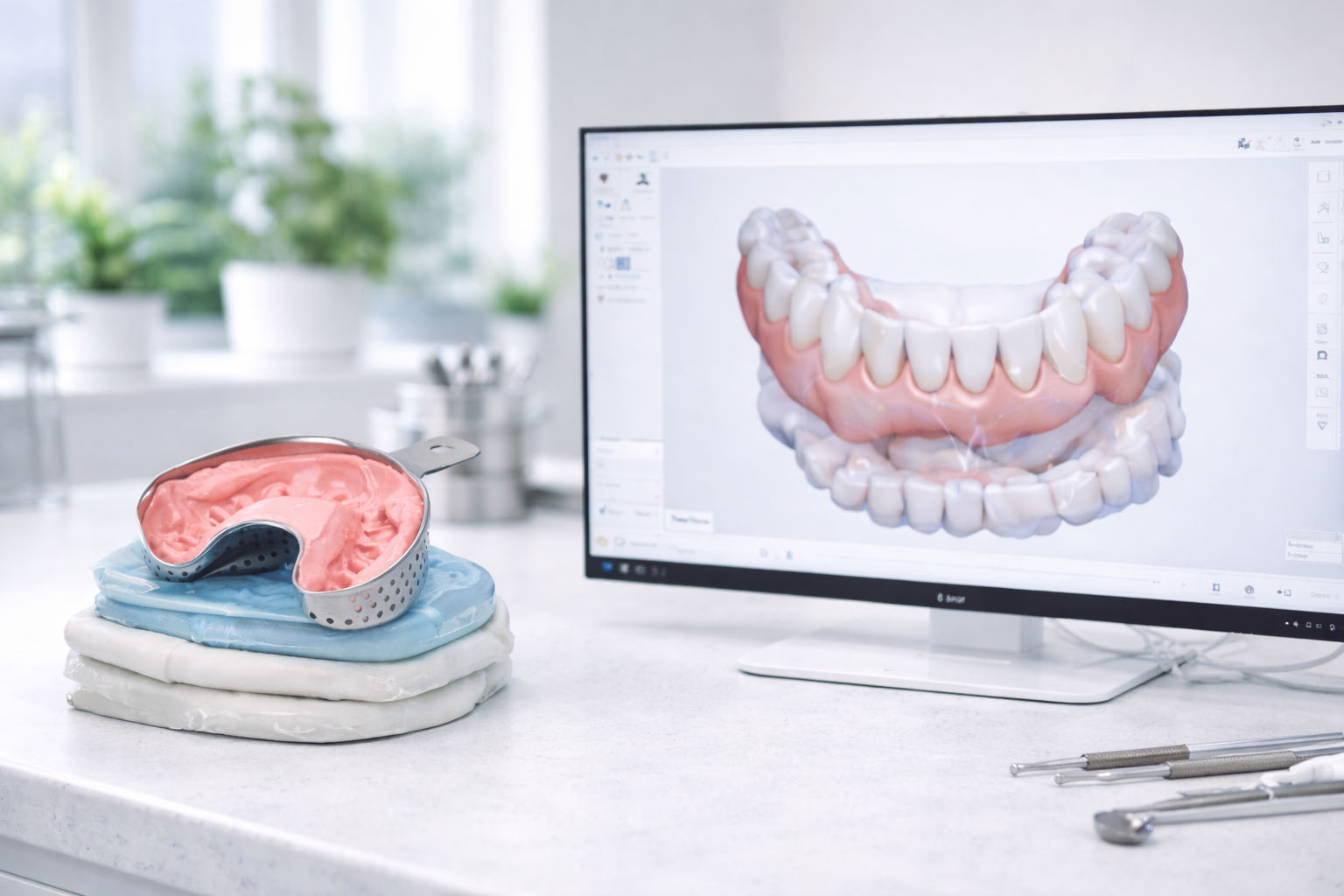
Traditional impressions still work. Great clinicians can get great results with trays. The issue is the operational tax:
Material and tray variables
Delayed feedback on quality
Shipping and handling risk
Remakes that show up after the schedule is already full
A common middle-ground is sending traditional impressions to the lab and having the lab digitize. That can create a digital file, but it does not remove the physical impression step or its failure points.
The real reasons clinics switch
Here’s the honest list I hear most from clinics that switched and did not go back:
Fewer reappointments caused by “impression problems.” This one is huge for schedule sanity.
Cleaner lab communication. Less interpretation, fewer clarifying calls.
Faster time to fabrication. Not always same-day, but fewer slowdowns.
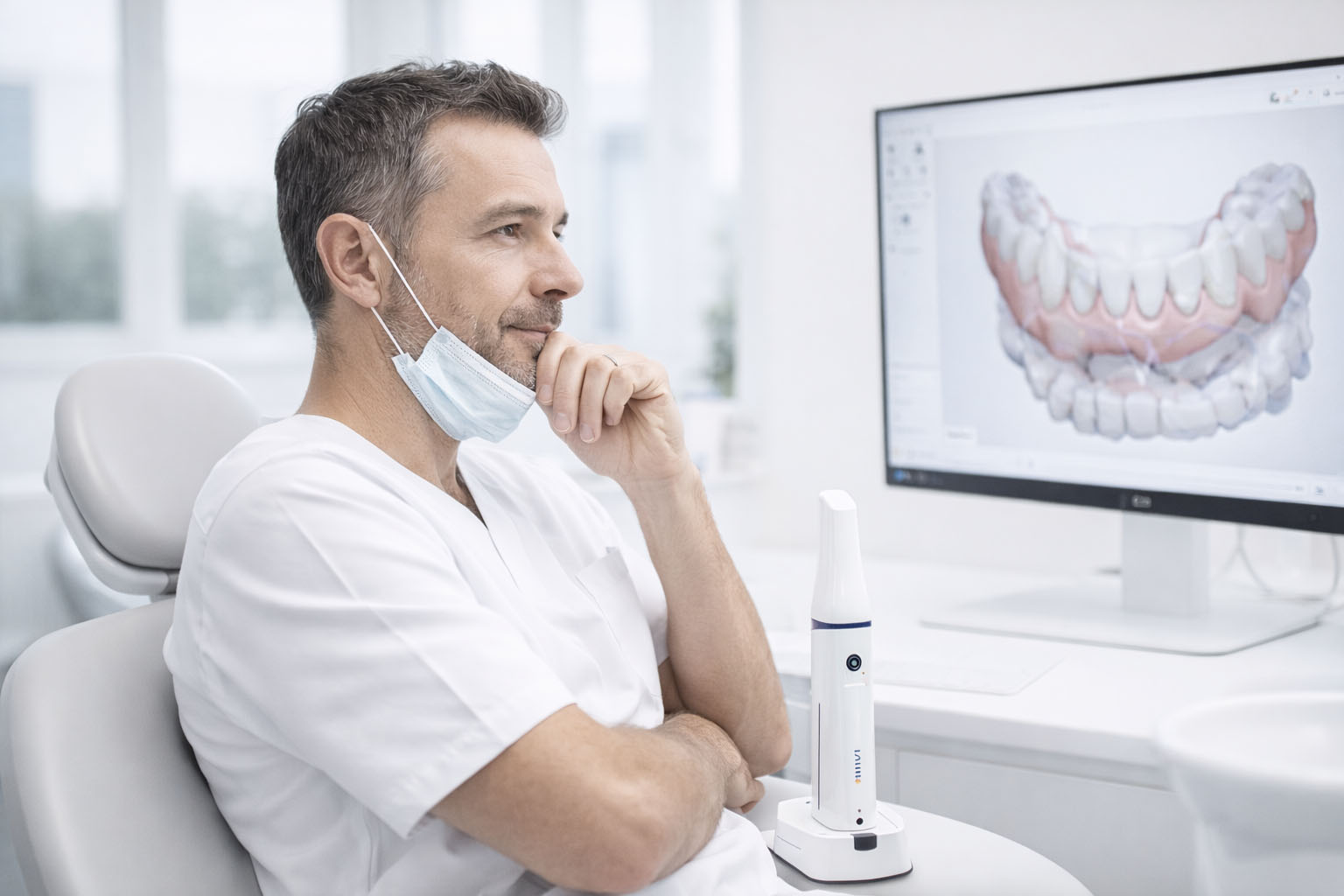
Better patient conversations. A model on screen changes how patients perceive value.
None of that is automatic. You still need technique and standards. But scanning makes it easier to build a reliable system.
When you should buy, realistically
The timing is everything. Buy too early and it becomes an expensive “sometimes tool.” Buy when you’re ready, and it becomes the default pathway.
1) Your case mix justifies daily use
The best heuristic is not “we do crowns.” It’s “we have scanning-eligible cases almost every day.”
If you routinely do any combination of:
Indirect restorative
Implant restorations
Ortho records and retainers
Appliances
…then you will build team muscle memory fast, and scanning becomes normal instead of stressful.
2) Your retake and remake friction is real
If any of these are recurring:
Lab requests for clarification on margins or bite
Re-impressions that burn chair time
Remakes that feel avoidable
“We will just take another impression” becoming a habit
…then scanning is often a net reduction in chaos.
3) Your lab is aligned with digital intake
Before you buy, ask your lab what “good” looks like.
A quick lab alignment checklist:
Preferred file formats and submission method
Expectations for margin visibility and QC
For implants: scan body libraries and capture expectations
How they want bite captured and validated
If the lab is not ready, scanning can still work, but it will feel like you are pushing a rope.
4) Your team is willing to standardize technique
Scanning is technique-based, but it’s learnable. What makes adoption fail is not difficulty. It’s inconsistency.
A simple adoption plan works best:
Pick 1 to 2 power users first
Define a scan path for your most common cases
Define a quick QC checklist
Review the first 20 cases and refine
Clinics that do this ramp fast. Clinics that do “everyone scans however they want” end up blaming the tech.
5) You are choosing the right setup for your room flow
Wireless mobility and cart-based stations both make sense, depending on how your clinic runs.
Ask:
Do you scan in multiple rooms and move constantly?
Do you want a dedicated presentation station with a large display?
Does the scanner need to be “grab-and-go,” or “always ready in one place”?
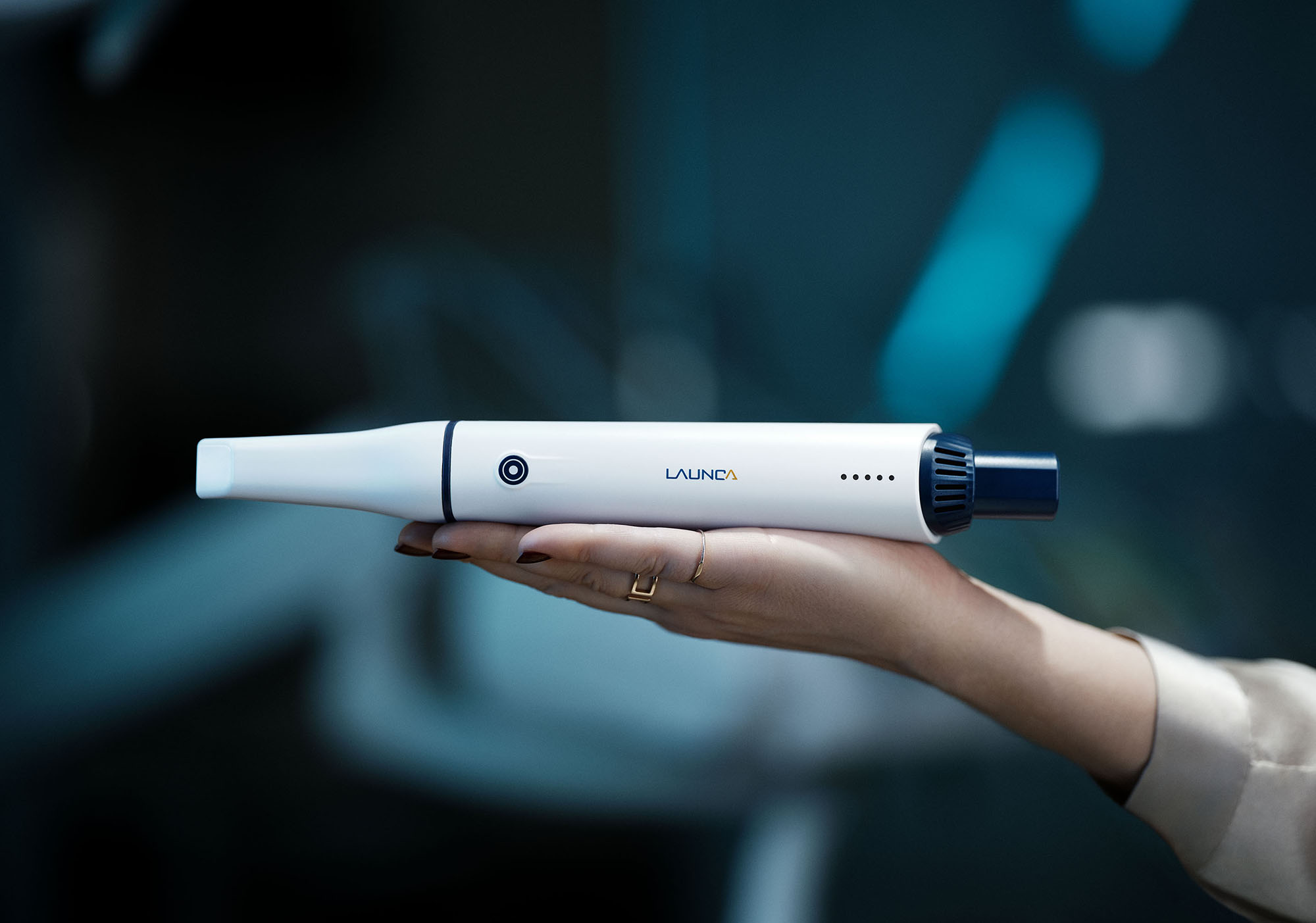
If you are evaluating a wireless workflow, you can reference specs and workflow notes on the product page for the Launca DL-300 Wireless as an example of what a modern mobility-first setup looks like.
What to evaluate before you choose a scanner
Accuracy and speed, but in the right way
Spec sheets are not your friend unless they map to your cases. In a demo, you want to test real scenarios:
A posterior crown prep with moisture challenges
Subgingival margin capture after retraction
A bite record that needs stable occlusion
An implant scan body capture sequence
If the system makes it easy to spot issues and correct them quickly, you will feel it in your schedule.
Software ergonomics and QC flow
The killer feature is not rendering. It’s quality control.
You want a workflow where it’s obvious when:
You have holes
You have stitching issues
You need more distal capture
The bite is questionable
Good software makes QC fast and boring. Boring is good.
Hygiene workflow
This is operational and non-negotiable. Tip sterilization, tip rotation, and who owns the hygiene steps matter. If your process is clumsy, adoption drops.
The decision framework I actually trust
Buy now if:
Scanning-eligible cases show up most days
Retakes and lab back-and-forth are a recurring drain
Your lab can receive and process digital files cleanly
Your team is willing to follow a standard workflow for a few weeks
Wait if:
Your indirect and appliance volume is low
Your lab is not ready and you have no plan to change that
You are buying mainly because “digital is the future” without a workflow plan
A rollout plan that prevents regret
Week 1: Win one workflow
Start with straightforward single-unit crowns or common appliance cases.
Get the scan path and QC checklist nailed first.
Week 2: Add complexity
Add implant scans or ortho records once the team is consistent.
Week 3: Make it default for the right cases
Optional tools stay optional. If you want ROI, scanning has to be the default where it makes sense.
If you want a reference point for a cart-based approach, the DL-300 Intraoral Scanner is an example of a “dedicated station” style setup that can make patient review and team handoffs easier in some clinics.
Quick checklist before you purchase
Confirm your lab’s preferred digital intake process
Identify your top 3 scanning case types
Assign 1 to 2 owners for training and standards
Decide mobility vs station based on room flow
Decide how you will name, store, and export files consistently
Next step
If you want to make this decision quickly, do not start with price. Start with workflow fit.
Bring one representative case type you do weekly (crown, implant, ortho records, appliances), run a demo, and judge the system by how fast you can validate quality and complete a clean handoff. If that part feels easy, the rest tends to follow.
RECOMMENDATIONS